

Karpathy’s Agentic Engineering finally has proper tooling (built by Google)
Karpathy defined agentic engineering as the discipline that separates production agent work from vibe coding. The core skills he listed were spec design, eval loops, and security oversight.
The problem is that production agents don’t run on the agent code alone. They need a model provider, a retrieval layer, an eval system, a deployment target, and observability.
And normally, these are scattered across different dashboards, config files, and tools, each with its own setup and learning curve.
The solution to production-grade Agentic Engineering is now actually implemented in Google’s Agents CLI.
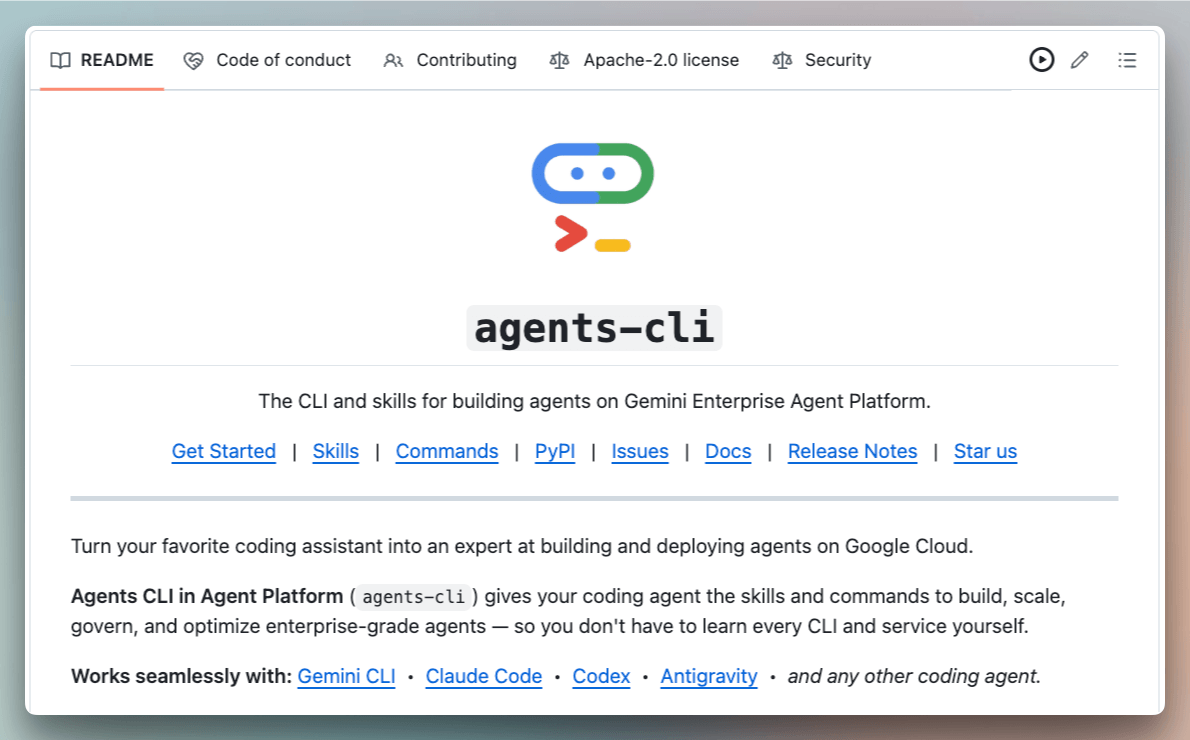
It covers the entire lifecycle in a single interface, covering scaffolding, evaluating, and deploying ADK agents.
The setup command injects 7 ADK-specific skills into a coding agent’s context, which lets it handle scaffolding, evals, deployment, and enterprise registration through natural language.
We mapped the whole thing end-to-end in the diagram below. Here is what each layer is doing:
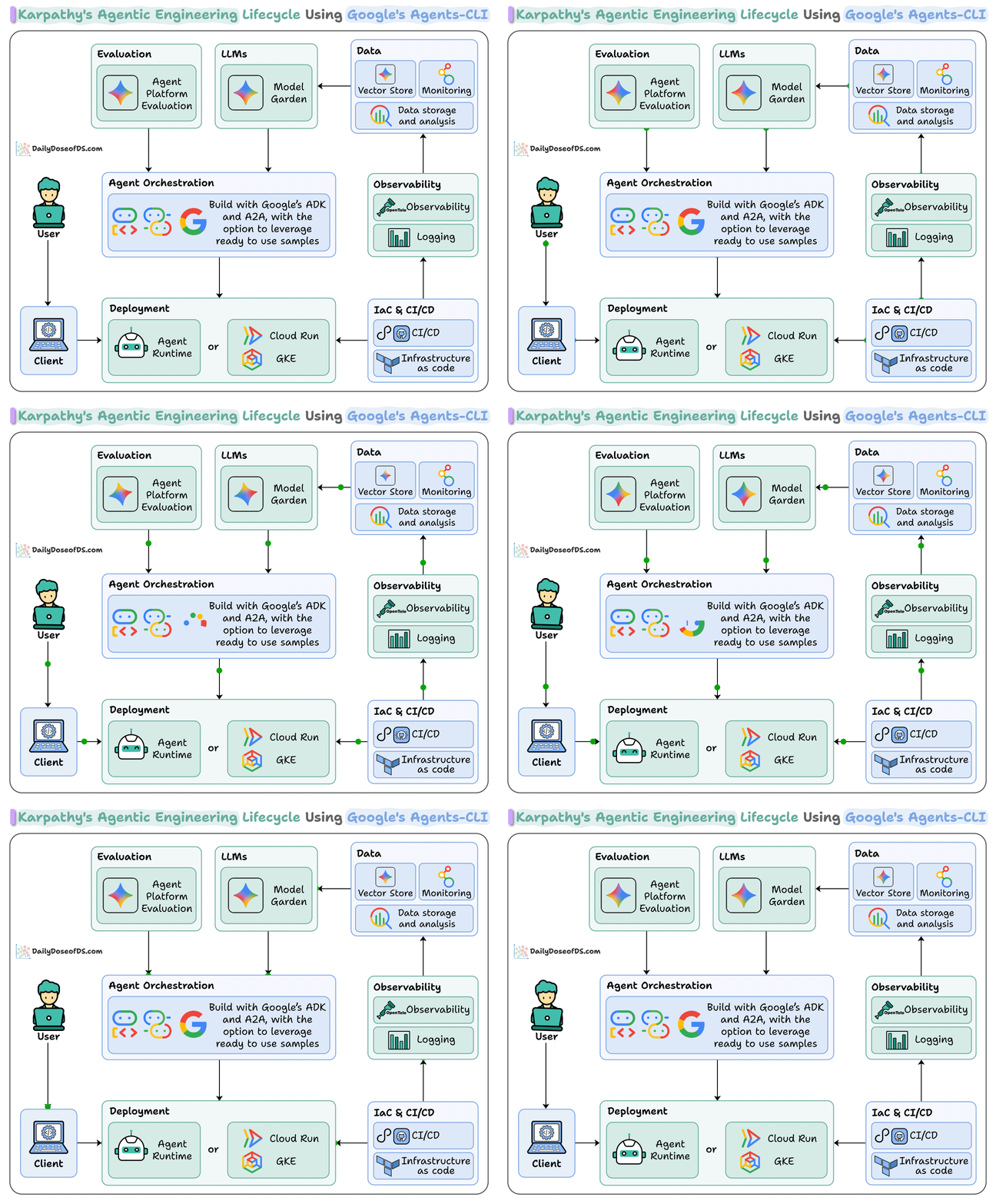
Agent Orchestration defines the agent using the ADK, and the A2A protocol handles coordination when one agent needs to invoke another. ADK is model-agnostic, so the models cover Gemini, Gemma, and third-party models like Claude, via Model Garden.
The data layer handles retrieval. Vector Store stores the embeddings for RAG, and the ingestion pipeline loads and chunks docs into it. Monitoring and storage happen alongside it.
The evaluation layer runs the agent against test scenarios with LLM-as judge scoring. It runs before deployment.
For deployment, you can choose between Agent Runtime, Cloud Run, etc., depending on how much control you need. Agents CLI configures across all targets.
Finally, teams that need staging and production environments, the IaC and CI/CD layer handles infrastructure as code and deployment pipelines.
Every one of these layers is a service that a dev would otherwise configure manually.
But Google’s Agents CLI ties them together to make the full agentic engineering lifecycle practical.
Here’s the Agents CLI GitHub repo: https://github.com/google/agents-cli
(don’t forget to star it ⭐ )
Thanks to Google Cloud for partnering today!
Build your own 100% local AI second brain
Andrej Karpathy said:
“There’s room for an incredible new product in the second brain space”
And after that, everyone is suddenly building a second brain.
Karpathy’s LLM wiki pattern went viral, and many people are now hand-wiring Obsidian to Claude Code so an agent maintains their notes for them.
The idea is simple, wherein you stop making the AI re-read raw notes on every question. Let it build a wiki that compounds.
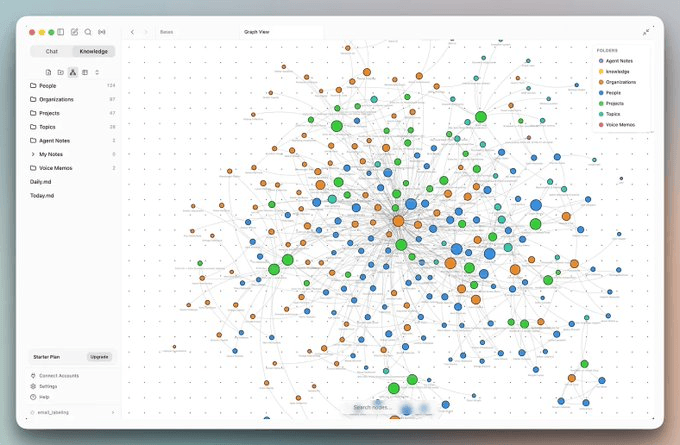
As Karpathy put it, “LLMs don’t get bored, they don’t forget to update a cross-reference (backlinks), and can touch 15 files in one pass.”
But if you start doing it manually, it becomes a project in itself. You wire up the vault, the agents, the schedules, the integrations, etc,
So we sat down with Arjun, who actually built the open-source version of this, and we broke down what it looks like when the whole thing already works out of the box:
It just crossed 15K stars on GitHub.
It’s like Claude’s desktop app but open-source, with two things layered on top:
A work brain: background agents index your emails, meetings, and notes into a living knowledge graph that updates itself as you work.
Work surfaces: chat is not the best interface for real work, so you get an email client, a meeting note taker, a browser, and a code mode where you and the AI actually collaborate.
You can bring your existing Obsidian vault, connect Slack, X, and Fireflies, and let it run your day.
Here’s the full breakdown of what we covered in this session:
00:00: Intro
01:08: What is Roboat (an open source AI co-worker)
02:42: The second brain (a knowledge graph of your work)
04:01: Bringing your existing Obsidian vault in
04:46: Work surfaces
05:29: Meetings and automatic note-taking
06:53: Connecting Slack, X, and other sources
07:55: Background agents that run your day
09:24: Code mode (Claude Code and Codex)
10:18: Demo: from an email to written code
14:28: Guardrails: approvals and agent workspaces
17:15: Scheduling agents on a cron
18:52: The browser work surface (browser use)
20:42: Wrapping up: automating your whole day
22:44: Outro
Checkout Rowboat’s GitHub repo: https://github.com/rowboatlabs/rowboat
(don’t forget to star it 🌟)
We recently also wrote an article on the same idea, and we highly recommend reading it as well.
Good day!