

If you use OpenClaw seriously, you know the tradeoff:
If you pay full price for Claude on everything → costs climb.
If you swap to a cheaper model → your agent gets worse on the tasks that matter.
But that’s only a tradeoff if you assume every prompt needs the same model. What if it didn’t?
The solution: Smart model routing
We are using OpenClaw here, but this applies to any agentic workflow where you’re sending every prompt to a single model.
LLM routing is a layer between your app and your providers.
It reads each incoming prompt, classifies the task, and routes it to the model best suited for the job. Simple queries go to fast, cheap models.
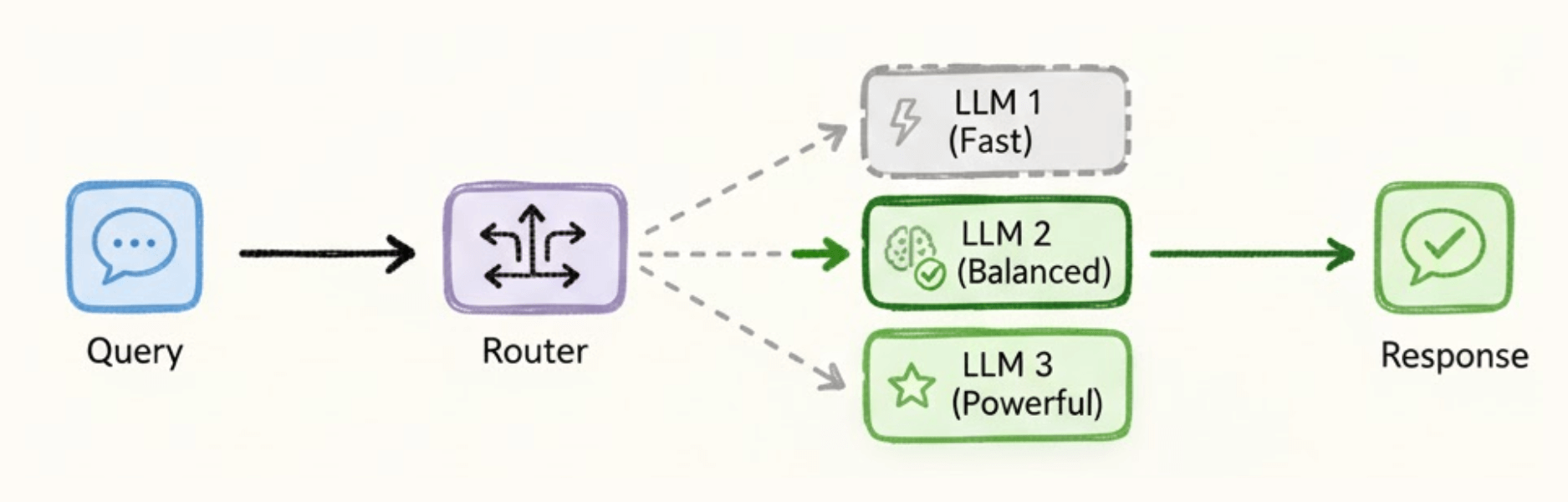
Complex tasks go to more capable, expensive ones.
And it all happens automatically.
An Open-source solution
Plano is an open-source AI-native proxy that handles routing, orchestration, guardrails, and observability in one place.
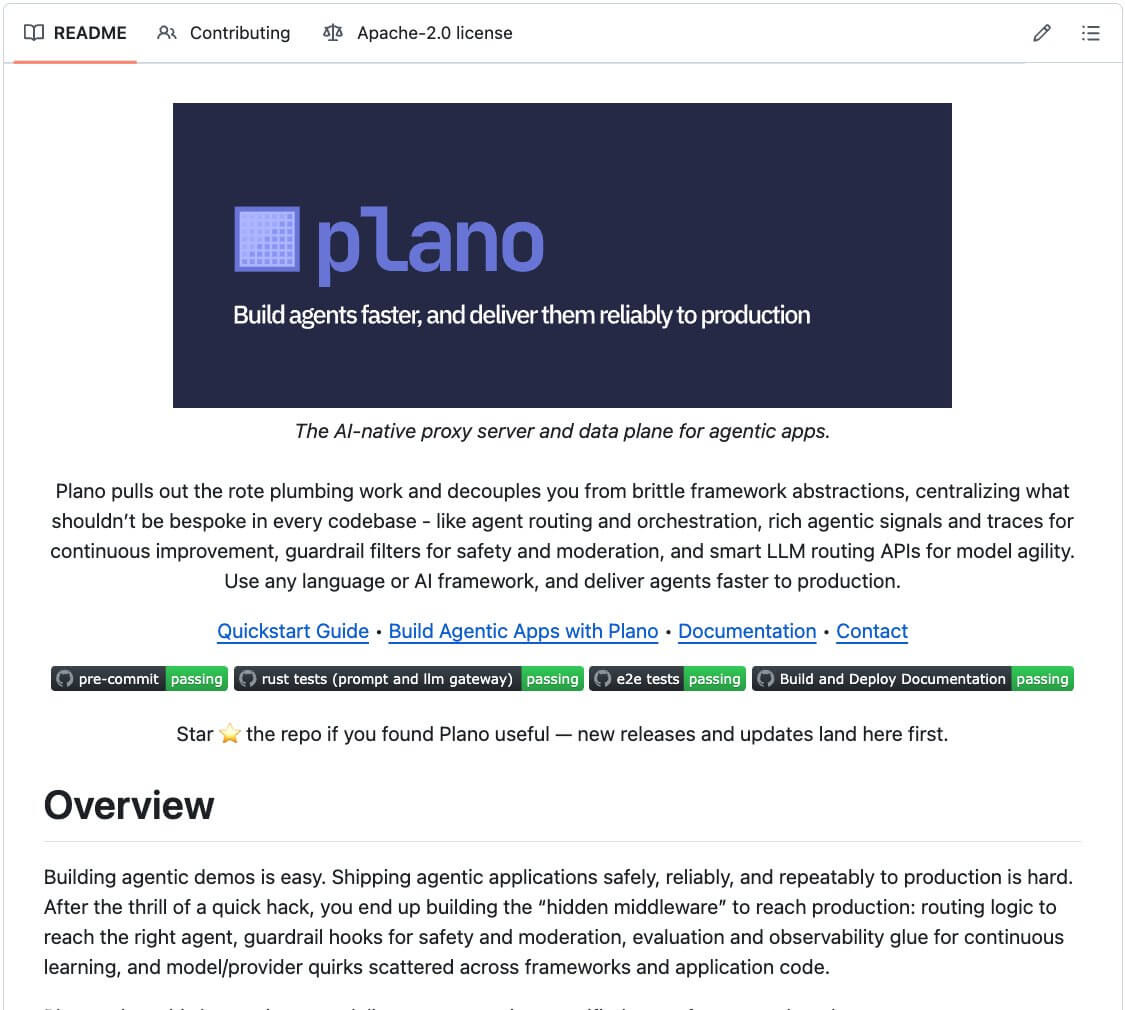
One of its most powerful capabilities is preference-aligned LLM routing, which perfectly fit to my use case.
Instead of routing by benchmark scores, Plano routes by what developers actually prefer for each task. You encode that directly in config.
For example:
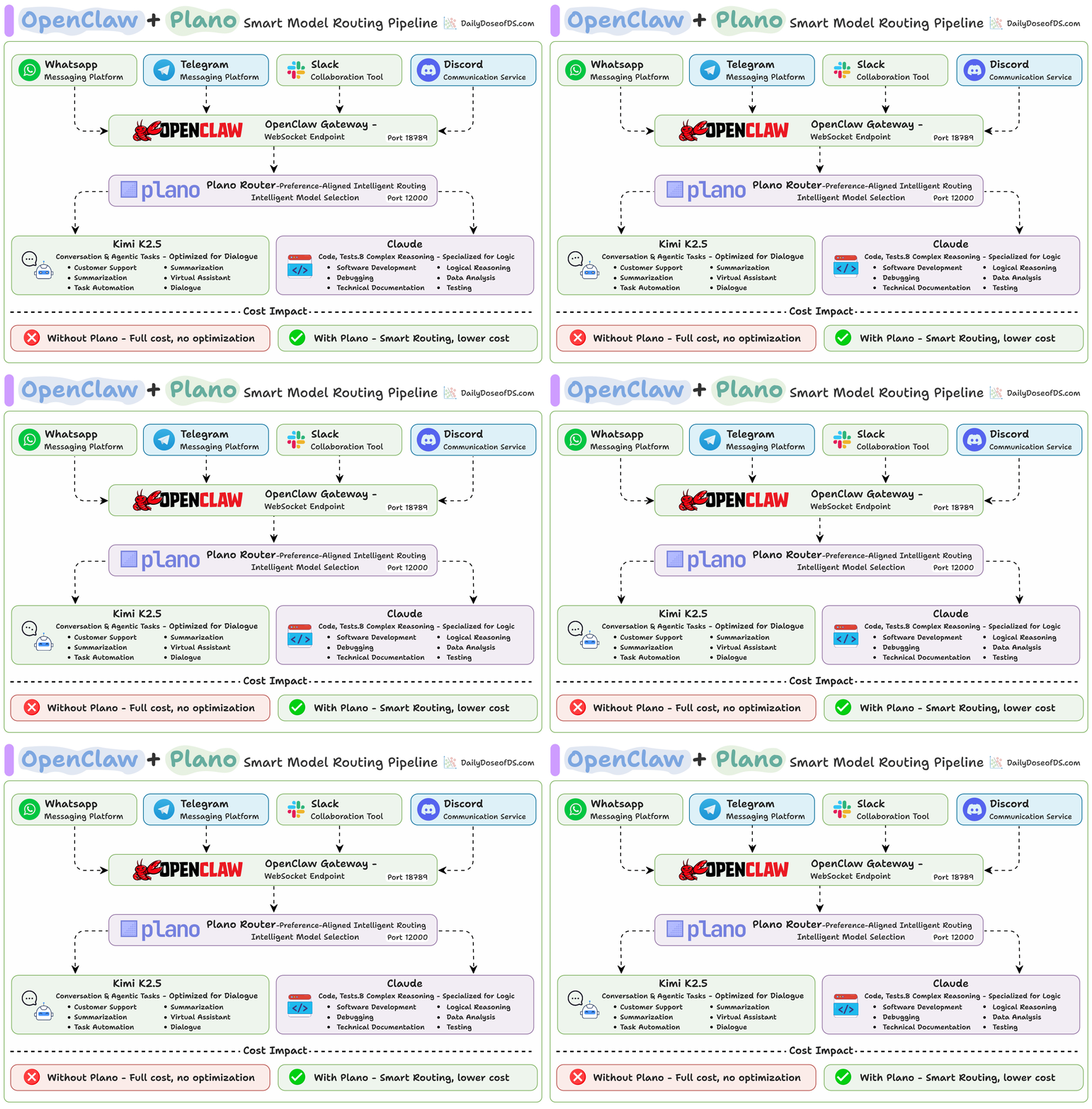
Conversation + agentic tasks → Kimi K2.5
Code + testing + reasoning → Claude Opus 4.6
The router matches each prompt to your preferences and dispatches automatically without any changes to OpenClaw.

How does Plano do that
Plano is built on Arch-Router-1.5B, a model trained on human preference data, not just benchmark scores. It’s already been deployed at scale at HuggingFace.
The model on HuggingFace:
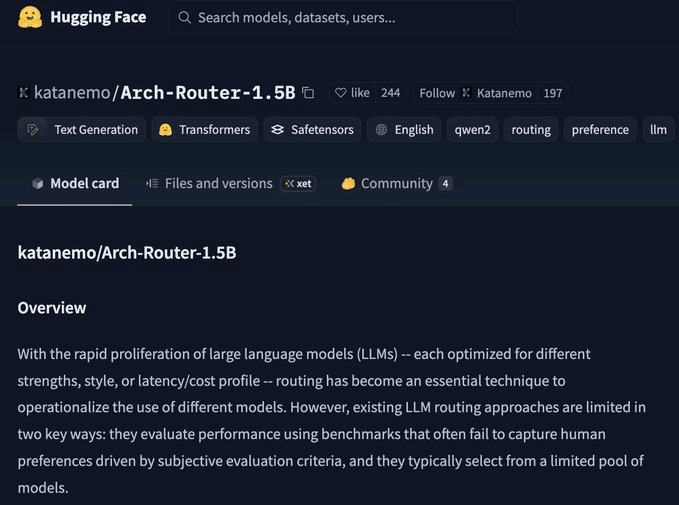
Arch-router doesn’t guess which model is “smarter.”
Instead, it routes based on what developers actually prefer for each task type. You define routing preferences in plain config.
Plano reads each prompt, matches it to a preference, and routes it. Zero changes to OpenClaw.
Using OpenClaw with Plano for smart model routing
Setup
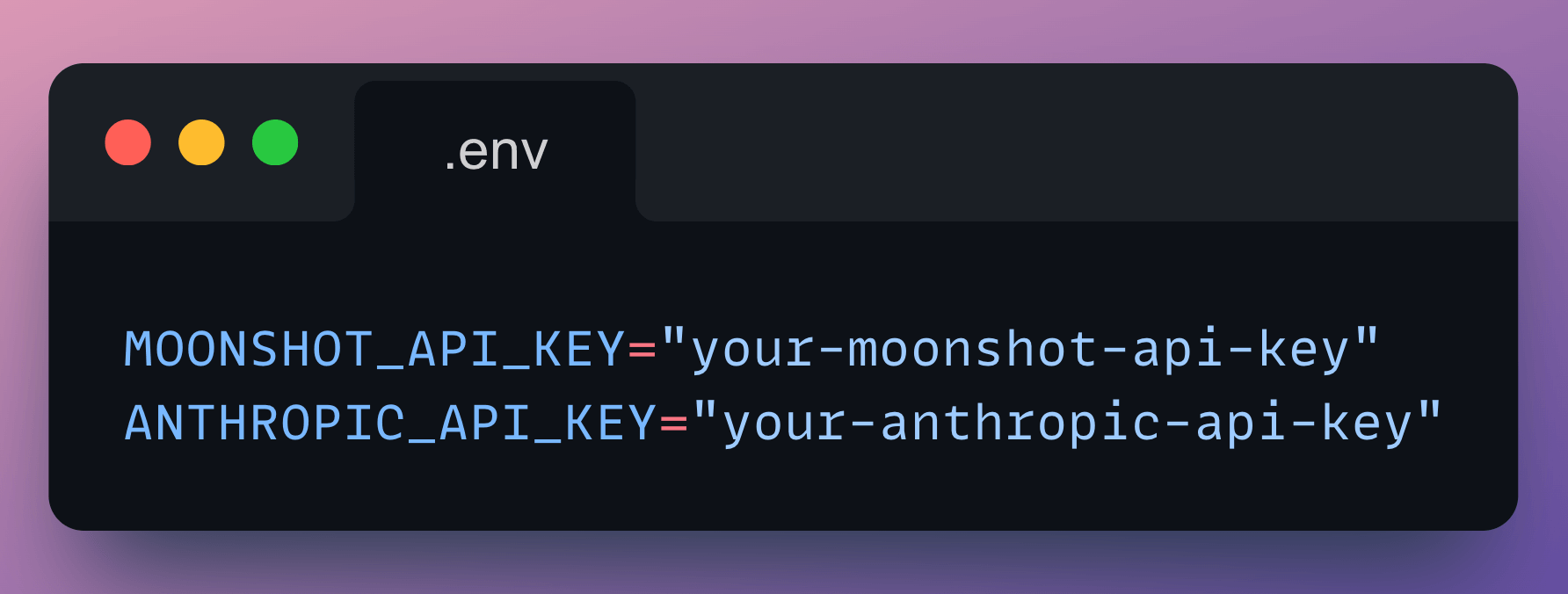
Set API keys as environment variables (these are for the LLMs):
Create plano config file
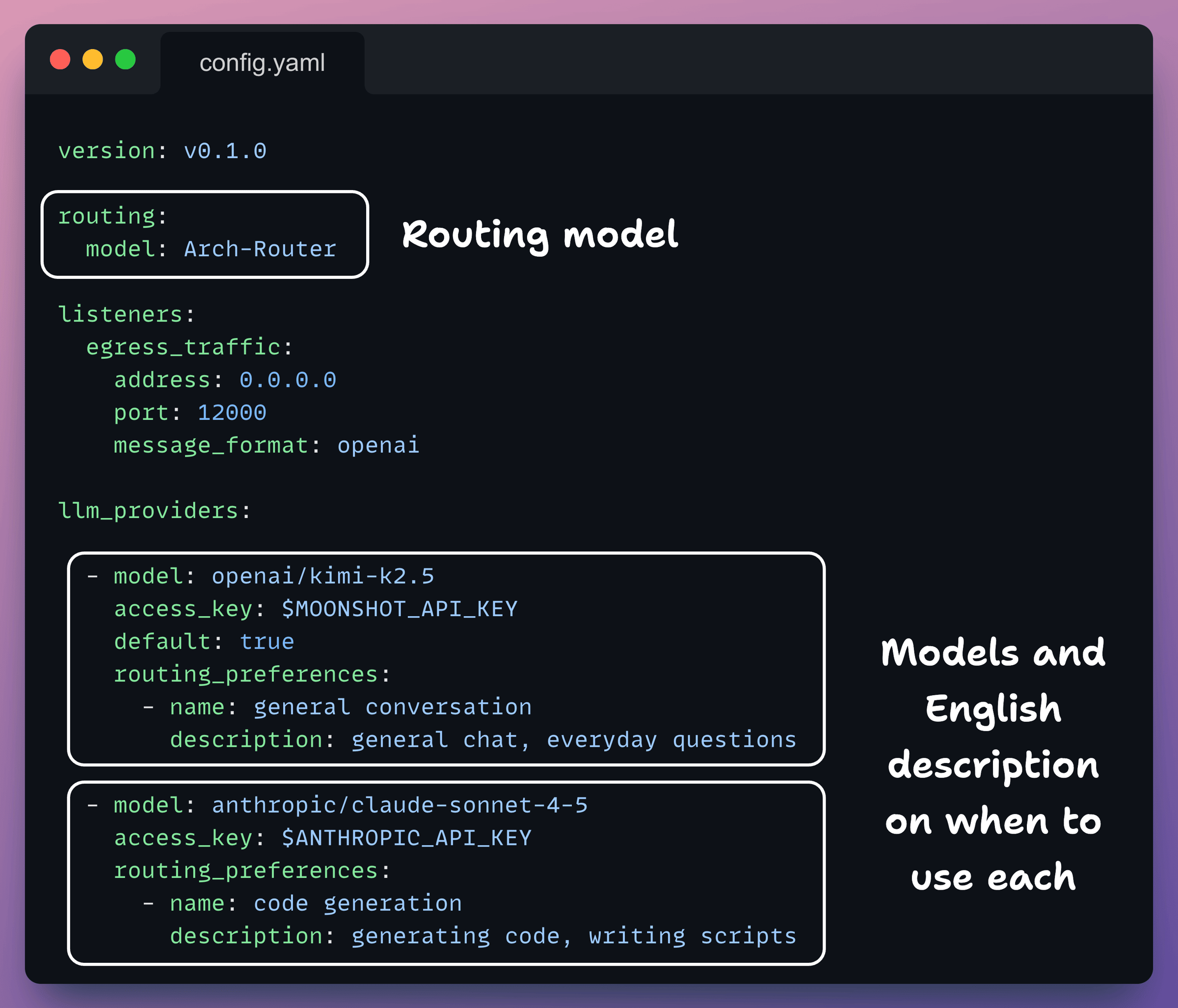
Plano operates based on a configuration file where you can define LLM routing.
Create a config file to get started with Plano.
Key things that you need to set here are the LLM providers and your routing preferences (just plain English descriptions)
Check this out:
Start Plano
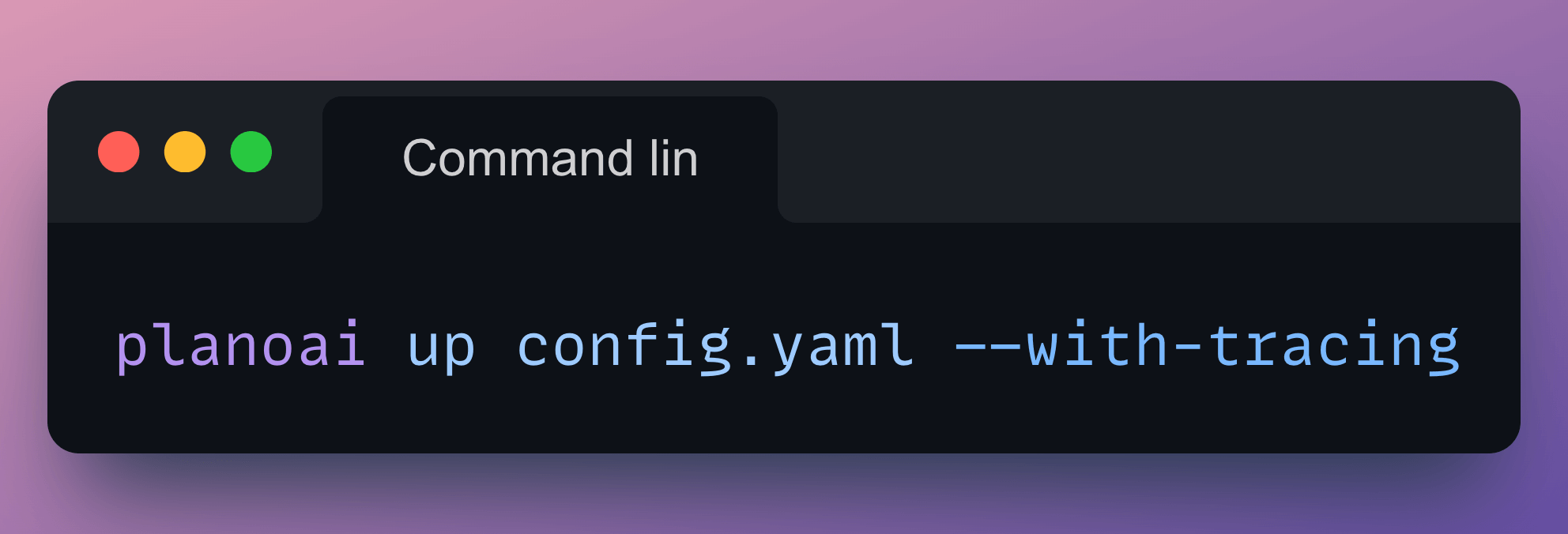
Now that the configuration file is created and environment variables are defined in a .env file, you start Plano with the following command:
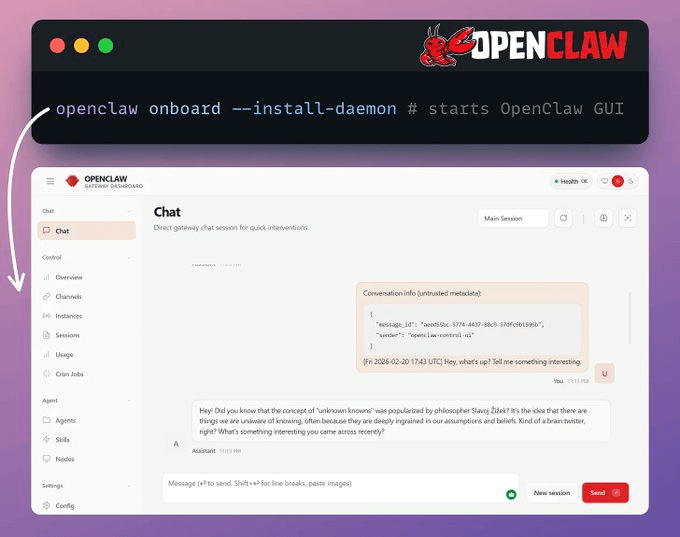
Start OpenClaw
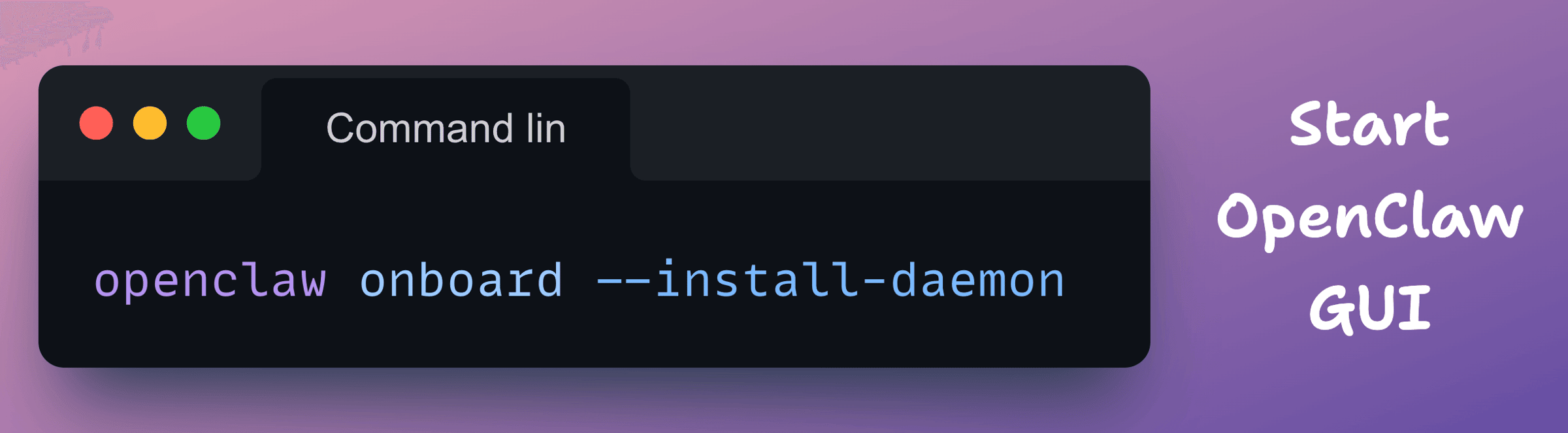
This installs the gateway as a background service.
You can also connect messaging channels, such as WhatsApp or Telegram.
Run openclaw doctor to verify that everything is working correctly.
Check this out:
Point OpenClaw at Plano
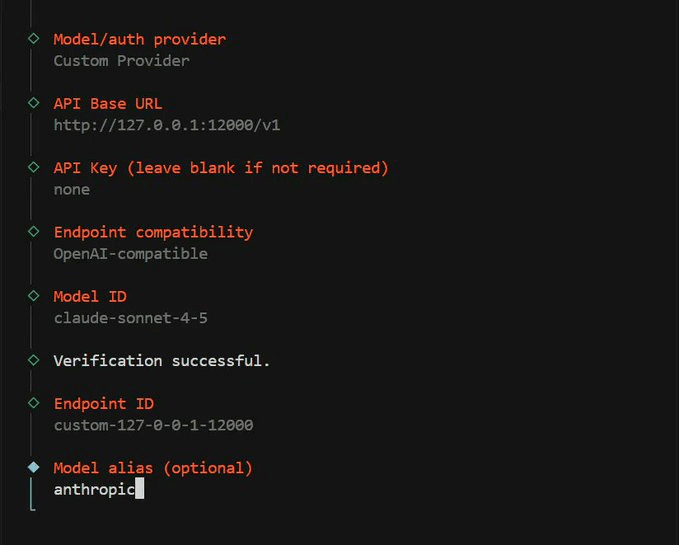
During the OpenClaw onboarding wizard, when prompted to choose an LLM provider:
Select Custom OpenAI-compatible as the provider
Set the base URL to
http://127.0.0.1:12000/v1Enter any value for the API key (e.g., none), Plano handles auth to the actual providers
Set the context window to at least 128,000 tokens
This registers Plano as OpenClaw’s LLM backend. All requests are routed through Plano on port 12000, which directs them to Kimi K2.5 or Claude based on the prompt content.
Check this:
Here’s what gets routed, and where:
Seeing the Routing in action
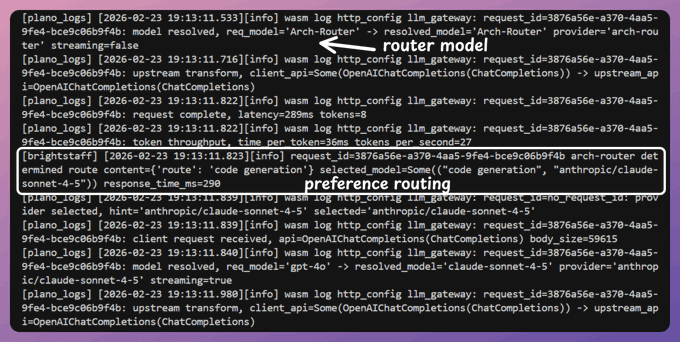
Since we started Plano with --with-tracing, you can inspect exactly how each prompt was classified and which model it was routed to.
Here’s a trace showing how Plano handled a routing decision. When we wanted to generate code, it used Claude instead of Kimi.
Check this:
Devs often spend a lot of time picking the “right” model.
The real question isn’t which model. It’s which model for which task?
Smart routing answers that automatically. You define your preferences once, and every prompt gets matched to the right model without you thinking about it.
And the result is you end up saving a lot of money on tokens without compromising on quality.
If you are solving a problem on smart LLM routing, Plano is 100% open-source (Apache 2.0).
We’ll cover more hands-on demos on this soon.