

Managing observability across a Kubernetes cluster
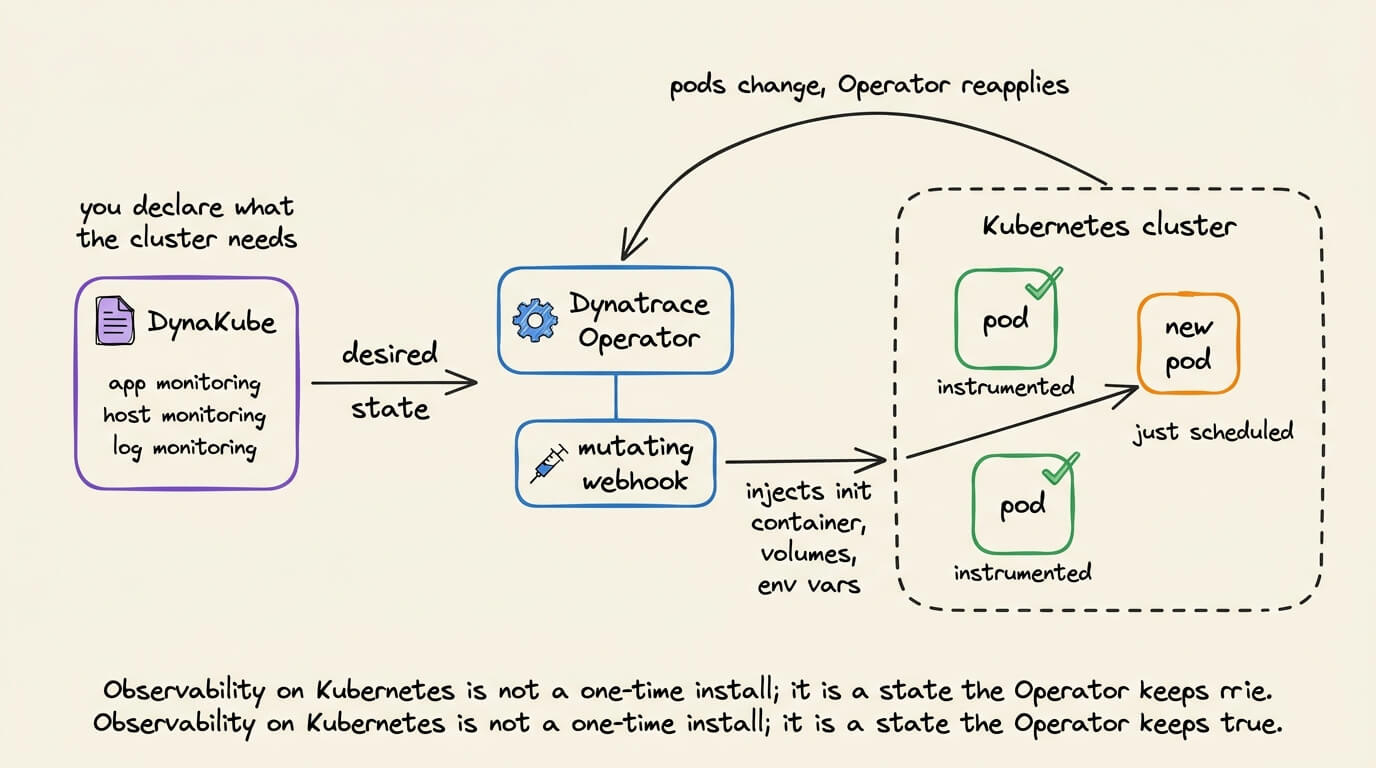
Kubernetes turns observability setup into a continuous reconciliation problem.
Pods and nodes keep changing after the monitoring stack is installed. Instrumentation must follow new workloads, preserve the intended configuration, and keep its own components updated without modifying every application image.
The open-source Dynatrace Operator handles this through a DynaKube custom resource.
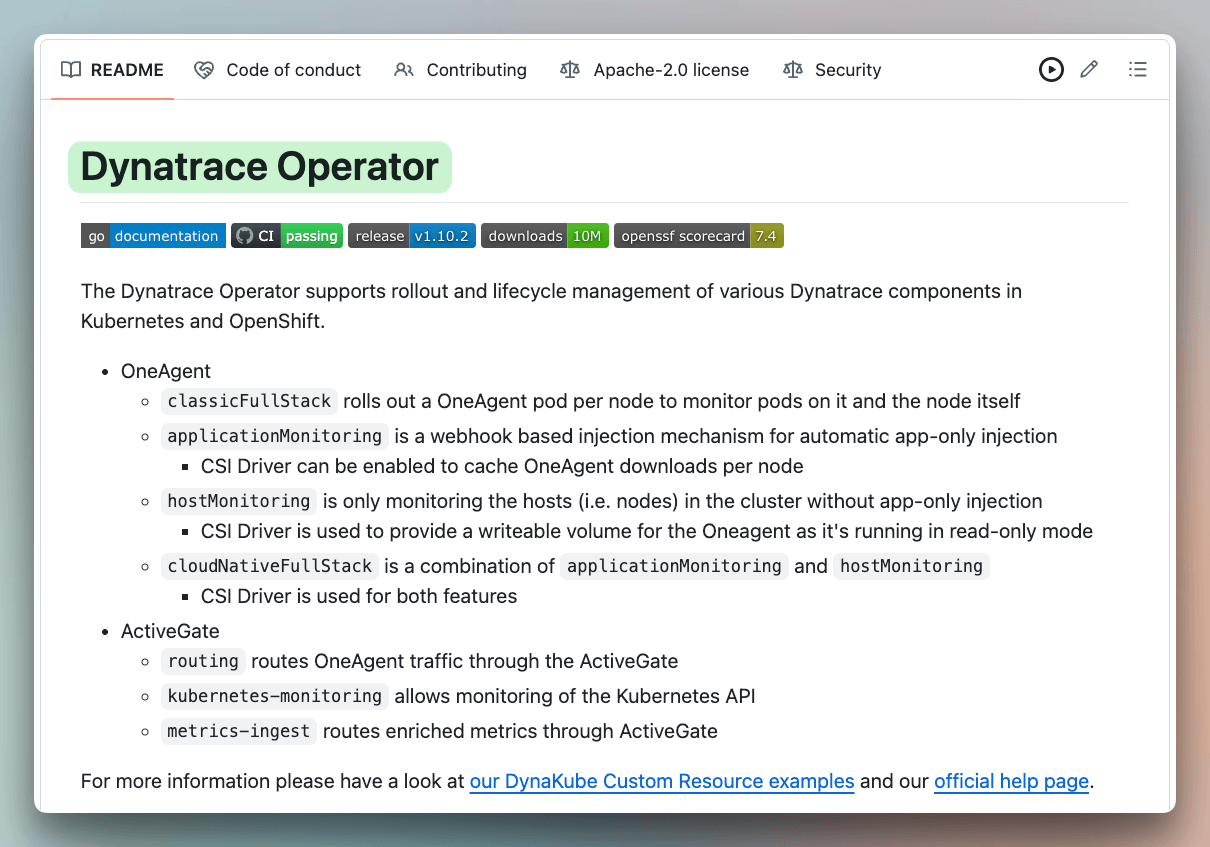
You declare which monitoring components the cluster needs, and the Operator keeps that state applied. Its application-monitoring mode uses a mutating webhook to inject init containers, volumes, environment variables, and annotations into selected pods.
An optional CSI driver caches and shares the required code modules across pods on the same node. This avoids downloading another copy for each workload.
The Operator can also manage host monitoring, log monitoring, metadata enrichment, the OpenTelemetry Collector, and ActiveGate components for Kubernetes API monitoring and telemetry routing.
The repository is Apache 2.0 licensed and includes sample DynaKube configurations for the supported deployment modes.
(don’t forget to star 🌟)
Thanks to Dynatrace for partnering today!
MCP Apps, clearly explained:
OpenAI, Anthropic, and Microsoft all back the same standard for running apps inside AI chats.
Booking(.)com, Figma, and Canva are already using it.
Still, most developers have never heard of it.
It’s called MCP Apps.
So, why does it matter?
The next time someone buys from your website, they may never visit it. They’ll ask ChatGPT or Claude, and the model decides how your product shows up. Usually as plain text, sometimes wrong, with none of the experience you built.
That’s the next shift in how people find you:
SEO was about Google finding your page.
AEO was about AI citing you.
MCP Apps are about your actual product showing up inside the chat.
An MCP server returns data. An MCP App returns data plus an interactive UI, like hotel cards or an add-to-cart flow, right inside the chat. The model even knows what the user clicked.
In this video, we build an MCP app from start to finish with Julien, the lead maintainer of Skybridge, an open-source framework that lets you turn any React app into an MCP app.
Chapters:
0:00 → Intro
2:44 → MCP servers vs MCP Apps
5:12 → Live demo: Booking .com in ChatGPT
9:24 → How MCP Apps work: context and shared state
15:43 → Skybridge and its devtools
17:48 → Live demo: an e-commerce app in ChatGPT
24:49 → Code walkthrough: MCP tools to React views
28:10 → Syncing UI state: “What’s in my cart?”
32:16 → Agent skill to turn any React app → MCP App
37:52 → Outro
Link to Skybridge GitHub repo: http://github.com/alpic-ai/skybridge
Good day!
The part about the model knowing what the user clicked is what I'd want to think hardest about. Once UI state like the cart flows back into context, how do you tell a click the user actually made from something the model decided on its own when you audit an order later? Feels like the shared state needs its own log separate from the transcript.
An MCP server returns data. An MCP App returns data plus a UI the model can see clicks on. That is the gap between being cited and actually selling inside the chat.