

Build your own Claude app with open-source tooling!
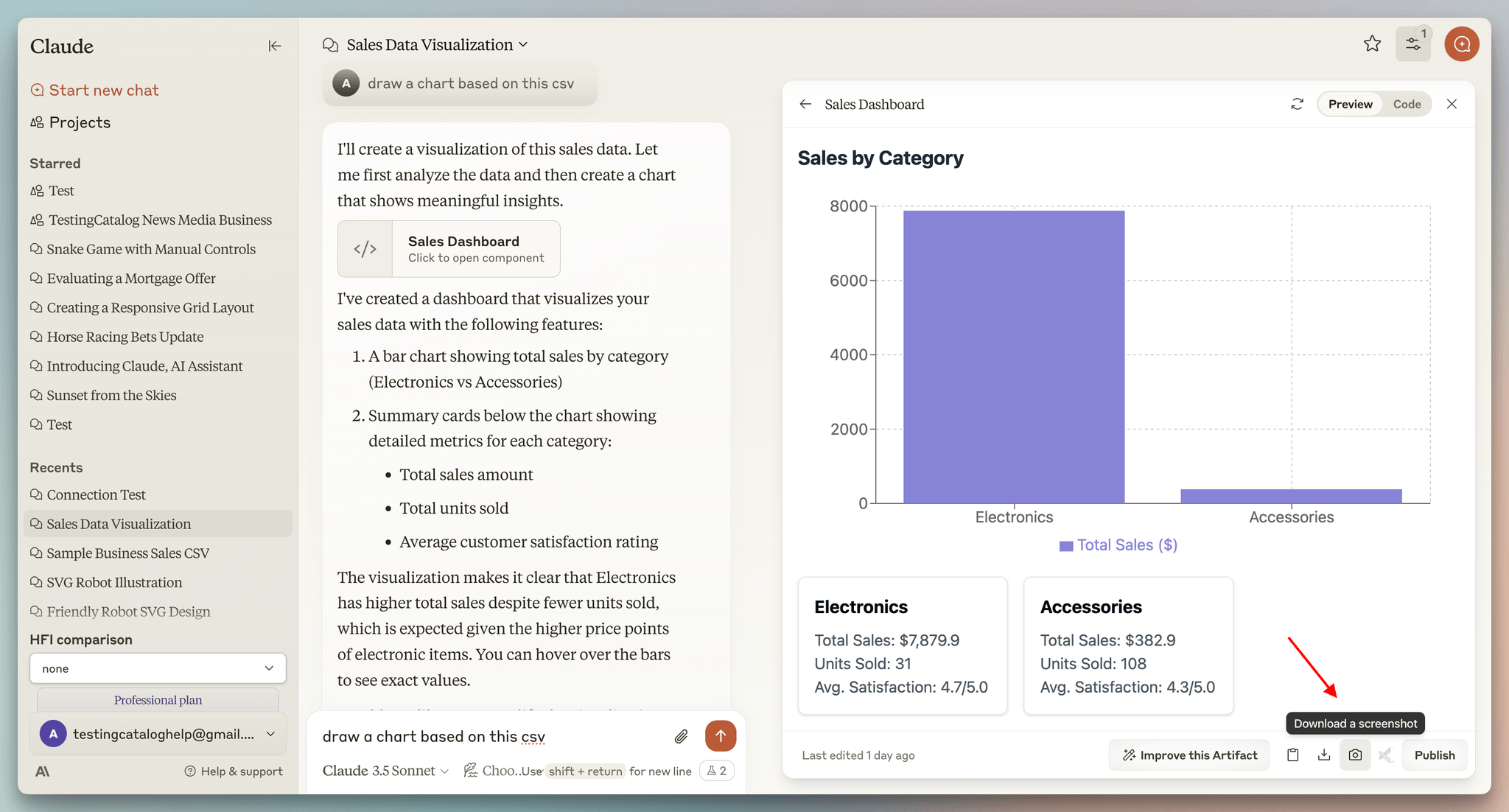
What made Claude feel different from a normal app is that the agent could act inside the interface instead of only talking in a chat box.
For instance, Claude Artifacts let an agent render real UI, charts, dashboards, and interactive components that assemble live inside the response.
Every major AI product tried to replicate it.
But the problem was that, unlike reasoning, planning, tool-calling, etc., none of it shipped natively with LangGraph, CrewAI, or Google ADK.
So teams started building an owned version that required engineering the entire interface layer from scratch.
Most teams, however, just settled for shipping the agent as a backend API in a chat box since rendering the UI is only one piece of it.
To actually make it work, the interface layer also needed real-time streaming, state kept in sync between agent and UI, conversations that persist across sessions, and reconnection when a user refreshes mid-run.
CopilotKit (GitHub repo) is now the only open-source framework that actually lets you build your own full-stack Claude-like apps.
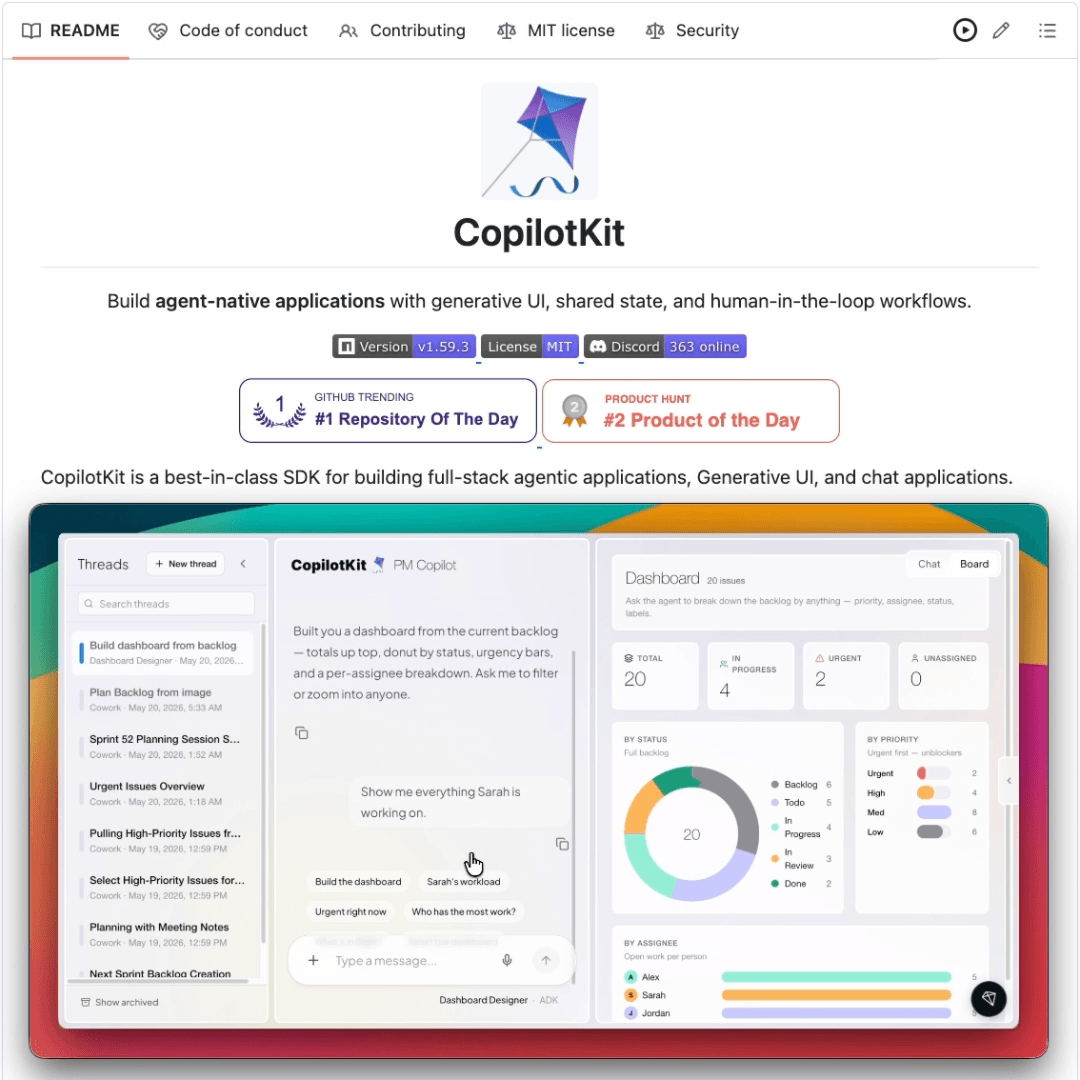
It decouples the agent from the interface, talking over AG-UI (an open protocol for agent-to-user communication).
Being a standard protocol, the frontend never needs to know whether it is talking to a LangGraph or a CrewAI agent. You can change the backend anytime, and the UI will never notice.
In practice, CopilotKit’s interface layer gives several pre-implemented React building blocks that wire the agent directly into the app, like:
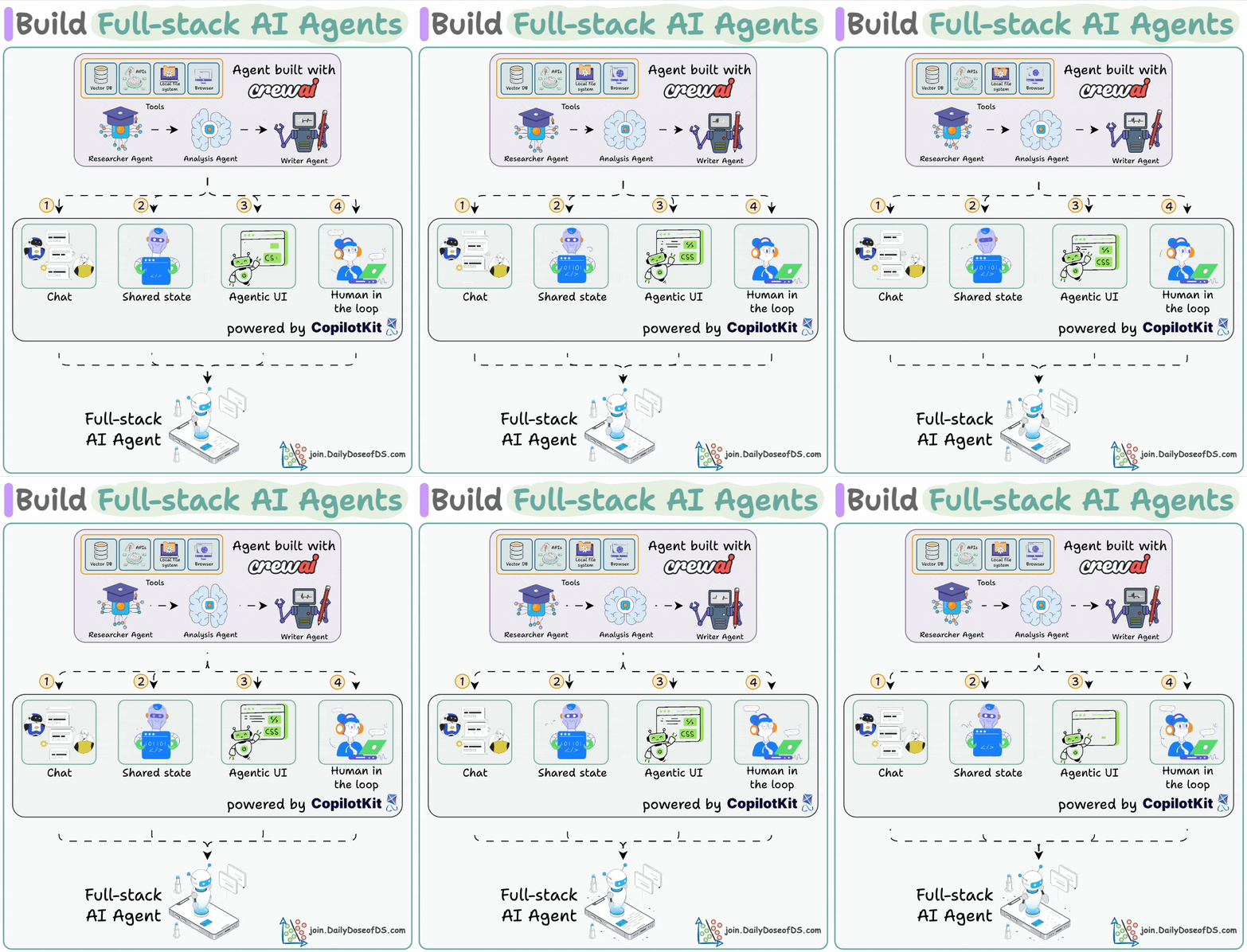
generative UI, so the agent renders real components instead of text
chat windows, sidebars, and popups, or a fully headless setup
shared state, so the agent and app stay in sync
human-in-the-loop approvals, where the agent waits before acting
persistent threads that store the whole session, including the agent-user interactions and generated UI, not just text
And because that full history is captured, those interactions can feed a self-learning layer that also improves the agent from real usage over time.
The interface layer that Anthropic spent years engineering in-house is now literally available to any developer/team.
CopilotKit is open-source with 30k+ GitHub stars, and AG-UI, the protocol underneath, is already supported across every major agent framework: LangGraph, CrewAI, Mastra, Google ADK, and more.
(don’t forget to star it ⭐ )
We are working on a hands-on demo for this. Stay tuned!
[Hands-on] Hermes agent desktop app
The Hermes Desktop App is insanely good.
It’s now the best way to run AI agents on your computer.
We recorded the full setup, start to finish.
Find it at the top.
Timestamps:
00:00 - Intro
00:46 - downloading and installing the desktop app
01:47 - picking your model and provider
02:52 - sessions, settings, and gateway connection
04:08 - adding a custom MCP server
04:58 - memory and context (the three-tier system)
06:52 - connecting to Telegram
09:45 - skills and tools
11:06 - the skills hub (built-in and community skills)
11:50 - creating a custom skill
14:18 - artifacts
15:11 - going from one to many agents (profiles and personas)
18:12 - agents working as a team (Hermes Kanban)
19:01 - outro
We also did a full walkthrough on Hermes Agent recently, covering Everything you need to understand and customize Hermes Agent, self-evolving skills, three-tier memory, GEPA optimization, and going from 1 to 10 agents that work 24/7.
Enjoy!
P.S. For those wanting to develop “Industry ML” expertise:

At the end of the day, all businesses care about impact. That’s it!
Can you reduce costs?
Drive revenue?
Can you scale ML models?
Predict trends before they happen?
We have discussed several other topics (with implementations) that align with such topics.
Here are some of them:
Learn everything about MCPs in this crash course with 9 parts →
Learn how to build Agentic systems in a crash course with 14 parts.
Learn how to build real-world RAG apps and evaluate and scale them in this crash course.
Learn sophisticated graph architectures and how to train them on graph data.
So many real-world NLP systems rely on pairwise context scoring. Learn scalable approaches here.
Learn how to run large models on small devices using Quantization techniques.
Learn how to generate prediction intervals or sets with strong statistical guarantees for increasing trust using Conformal Predictions.
Learn how to identify causal relationships and answer business questions using causal inference in this crash course.
Learn how to scale and implement ML model training in this practical guide.
Learn techniques to reliably test new models in production.
Learn how to build privacy-first ML systems using Federated Learning.
Learn 6 techniques with implementation to compress ML models.
All these resources will help you cultivate key skills that businesses and companies care about the most.


