

Set up Clawdbot/OpenClaw in a minute
In the video above, we recorded a step-by-step guide to set up Clawdbot/OpenClaw and start using it.
You don’t need to buy a Mac mini, use a terminal, or worry about any config files.
Here’s what you can do:
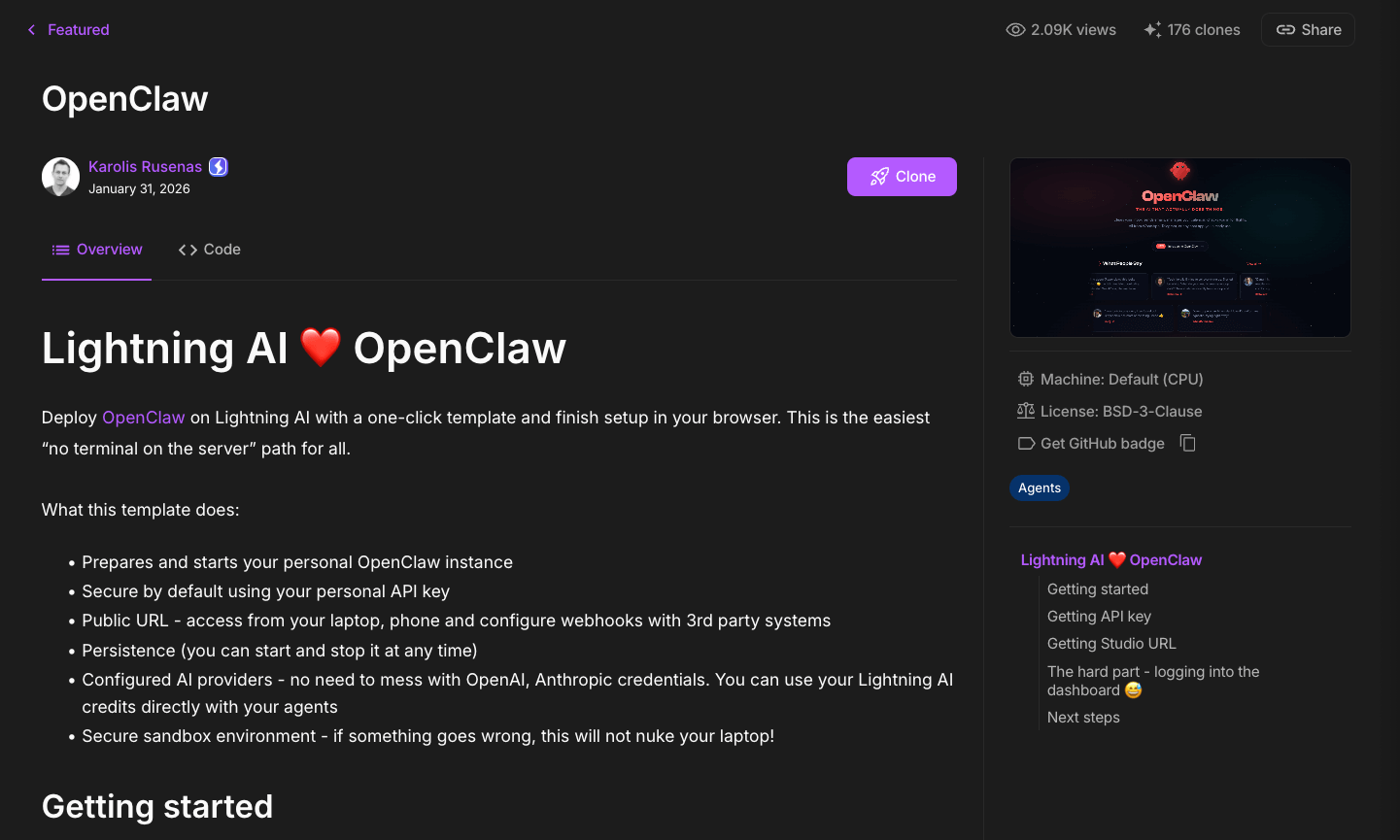
Go to the OpenClaw Lightning environment →
Click on “Clone”
Follow the simple guide shared in the video.
From there, you can connect it to WhatsApp or Telegram and control your assistant from your mobile.
This turns 2 hours of installation and configuration into just 2 minutes.
But there’s something more important:
This approach keeps everything in a secure sandbox environment, off your local machine. Clawdbot is fun and powerful, but we would never recommend giving it access to your main machine.
You can find the OpenClaw Lightning environment here →
We are recording a much more comprehensive demo on Clawdbot/OpenClaw. We’ll release it this week.
4 ways to run LLMs locally
Being able to run LLMs also has many upsides:
Privacy since your data never leaves your machine
Testing things locally before moving to the cloud and more.
Here are four ways to run LLMs locally.
#1) Ollama
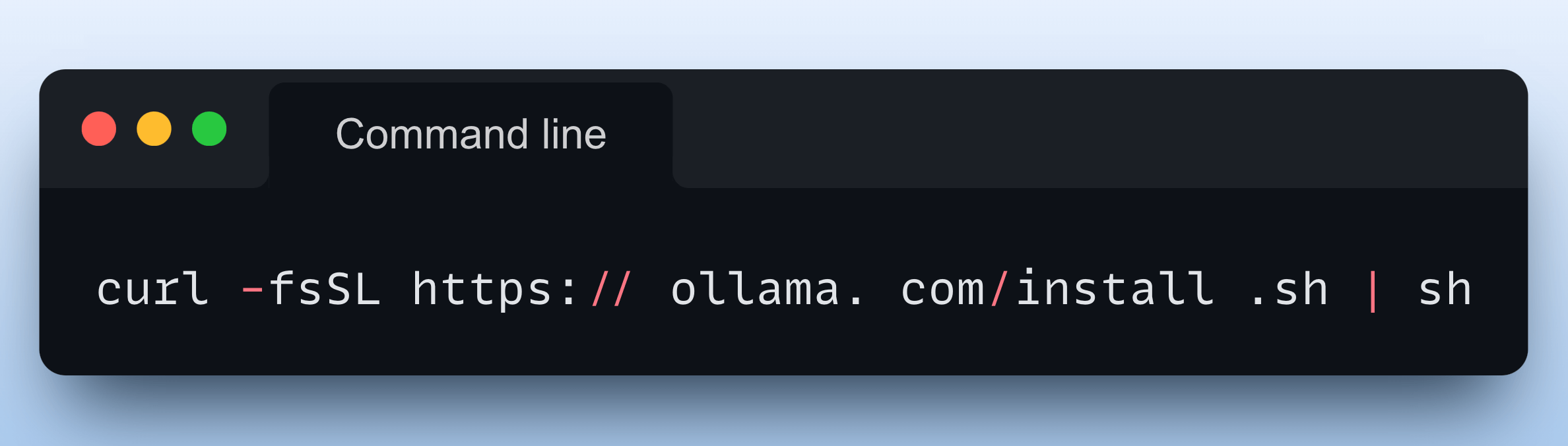
Running a model through Ollama is as simple as executing this command:

To get started, install Ollama with a single command:
Done!
Now, you can download any of the supported models using these commands:

For programmatic usage, you can also install the Python package of Ollama or its integration with orchestration frameworks like Llama Index or CrewAI:

We heavily used Ollama in our RAG course and Agents course if you want to dive deeper.
The video below shows the usage of ollama run deepseek-r1 command:
#2) LMStudio
LMStudio can be installed as an app on your computer.
The app does not collect data or monitor your actions. Your data stays local on your machine. It’s free for personal use.
It offers a ChatGPT-like interface, allowing you to load and eject models as you chat. This video shows its usage:
Just like Ollama, LMStudio supports several LLMs as well.
#3) vLLM
vLLM is a fast and easy-to-use library for LLM inference and serving. It has state-of-the-art serving throughput.
With just a few lines of code, you can locally run LLMs (like DeepSeek) in an OpenAI-compatible format:

#4) LlamaCPP
LlamaCPP enables LLM inference with minimal setup and SOTA performance.

Here’s DeepSeek-R1 running on a Mac Studio:
And these were four ways to run LLMs locally on your computer.
If you want to dive into building LLM apps, start below:
👉 Over to you: Which method do you find the most useful?


